Custom Stages
Set the stages a project moves through so crews and program staff share one workflow.
For programs
OptiMiser helps program staff, contractors, and utility partners run accurate audits, keep projects moving, and measure savings on residential and commercial work.
Program features
Stages, programs, measures, quality checks, email, rates, incentives, and rebate reservation — configured once, then used on every project.
Set the stages a project moves through so crews and program staff share one workflow.
Run several programs in one account, each with its own rules, measures, and reporting.
Group related improvements so packages, reviews, and incentives stay consistent across jobs.
Apply program checks that flag incomplete data before a project moves to the next stage.
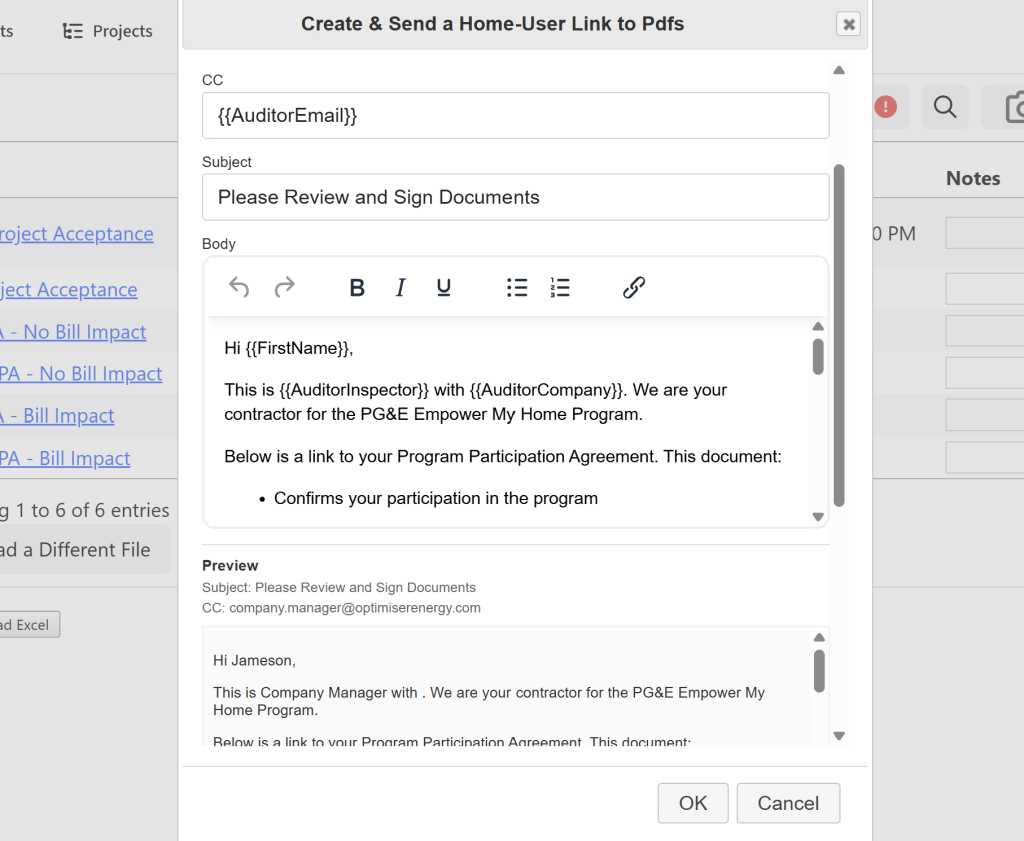
Send the right message at each stage from templates the program controls.
Use the utility’s rates and emission factors so cost and carbon estimates match the territory.
Up to five stackable incentives per improvement, filled from a Rewiring America catalog the program selects — dollars, percent of cost, or per unit, with efficiency and income rules.
Take a rebate from public apply through qualify, reserve, review, and payment.
Rebates and equipment
A shared Rewiring America rebate library, ENERGY STAR equipment ratings, field nameplate capture, and a reservation workflow that work together for your program.
OptiMiser maintains a connection to the Rewiring America rebate library. Programs select which rebates apply and map them onto up to five stackable schemes.
Read more →Look up an AHRI number and attach rated SEER2, HSPF2, and AFUE from ENERGY STAR, NEEP, and the AHRI Directory.
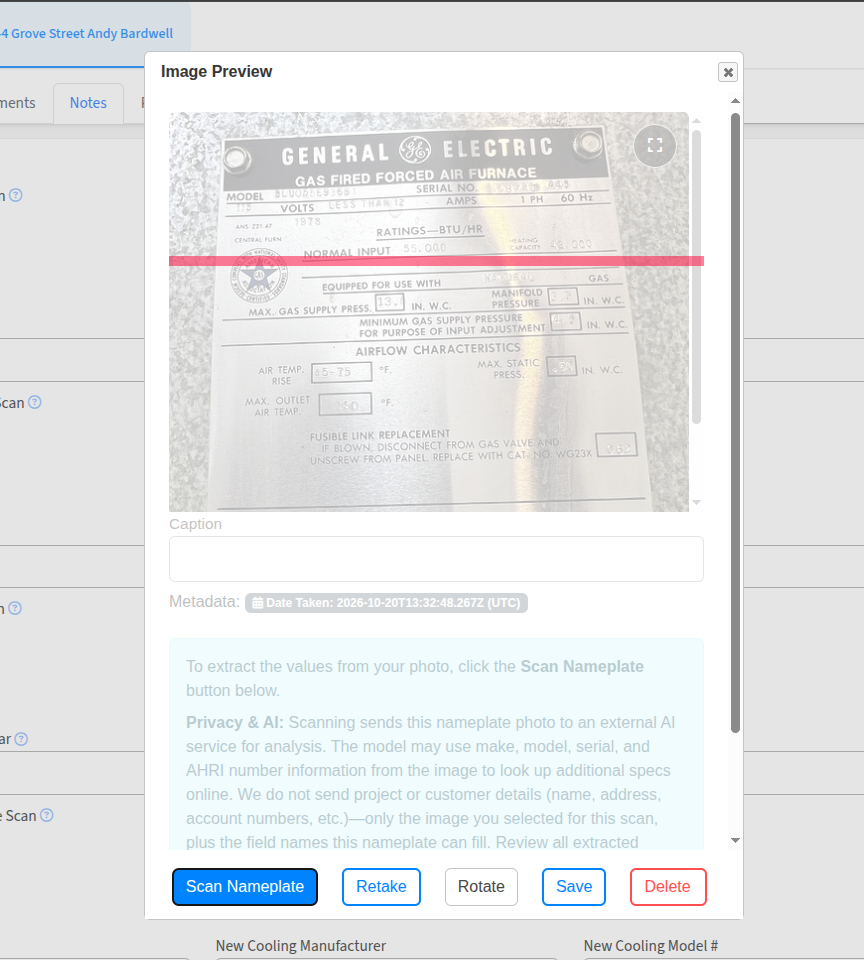
Read more →Photograph the plate, review what was read, then copy make, model, serial, and AHRI onto the form.
Read more →Homeowners apply, auditors qualify and reserve, and program staff review and pay.
Read more →Incentive catalog
OptiMiser stays connected to the Rewiring America library. Your program chooses which rebates apply and can adjust amounts and qualifications. OptiMiser maintains the library; you decide how it lands on the job.

HVAC database
Look up equipment by AHRI number and attach rated specs from ENERGY STAR, NEEP, and the AHRI Directory — the ratings programs use to qualify heat pumps, furnaces, and similar measures.
Nameplate scan
Scan HVAC, water heating, ventilation, appliances, and other nameplates — including electric panels and PV on some forms.
Where ratings attach
Nameplate scan is how make, model, serial, and AHRI get onto the form. Rated SEER2, HSPF2, and AFUE used to qualify a rebate come from the HVAC database, not from the scan itself.
See this on OptiMiser Zeus →Rebate lifecycle
Homeowners apply, auditors qualify and reserve, and program staff review and pay — using the same incentive amounts the catalog put on the audit.

The rebates that land on the audit as program defaults.
Public apply, an application queue, and reservation in Zeus.
A homeowner form, or your own CSV, API, or internal form. A rebate application is created; a full project can wait.
Customer details seed the job. Empty incentive amounts fill from program defaults.
Equipment ratings and catalog rules run against the measures you intend to reserve.
Confirm qualifications — including AHRI and address when the program requires them — then lock the reservation.
Send a reserved rebate for review.
Assign a contractor, approve or reject, mark paid, and export.
How they connect: Rewiring America feeds the catalog. The program applies rebates. The audit carries those amounts. A nameplate photo yields make, model, and AHRI. The HVAC database attaches ratings. Then qualify, reserve, review, and pay.
Program solutions
OptiMiser connects field audits, contractor workflows, and program reporting for investor-owned utilities, municipal programs, and statewide efficiency efforts.
Bill-calibrated modeling, contractor workflows, and reports customers can read, from local municipal programs through statewide programs.
Use audit data, measure choices, and savings checks in demand response and peak-reduction work, with the same field steps and quality review.
Model heat pumps, panel upgrades, and measures that affect each other. Staff can compare electrification with other efficiency upgrades. DIY Audit and GoElectrified give customers their own version.
DIY Customer Audit Explore Nexus for program administration → Weatherization agencies Portfolio managers
Customer engagement
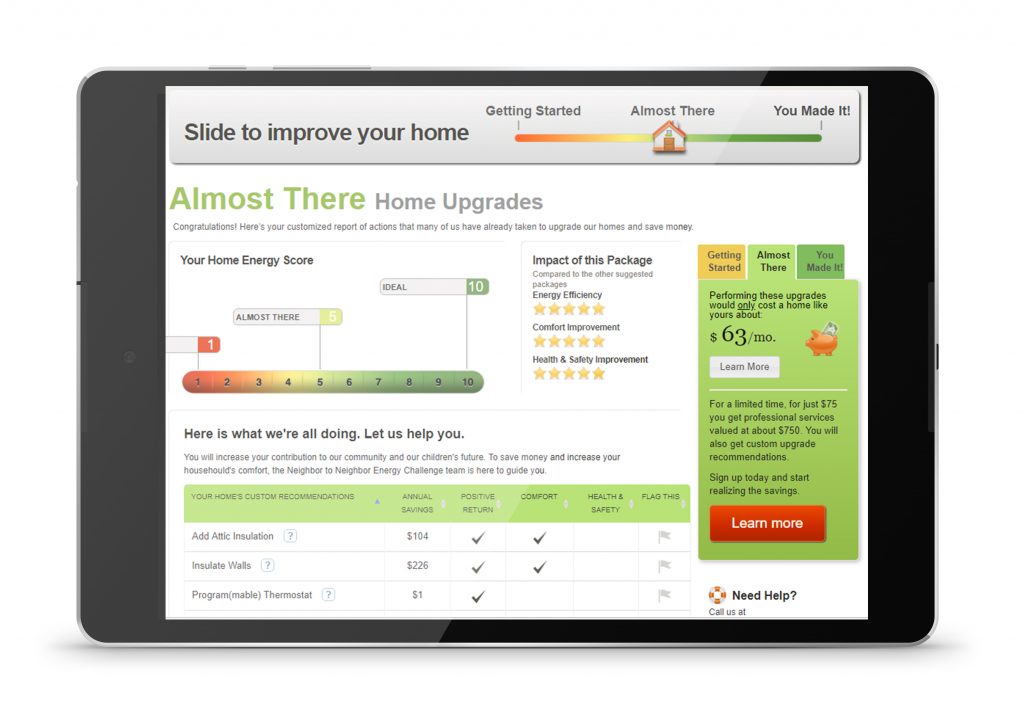
Offer a self-audit with your name on it for rate programs, on-bill repayment, and electrification. Each utility sets its own incentives and next steps. goelectrified.com runs on the same tool.
Tri-State Generation and Transmission
DIY Audit supports Tri-State member co-ops in Colorado and Wyoming. Each utility sets its own incentives and next steps.
Case study coming soon
Case studies
State program
1.8M+ utility records monthly
A core part of the state's Green Communities program, aggregating data from every major investor-owned utility plus 22 municipal utilities.
State program
BPI-2400 compliance testing
OptiMiser supports ICF, primary implementer of the California Energy Commission’s Equitable Building Decarbonization Direct Install Program, with the field audit and project-development software used to deliver the program. Assessors and program staff share one platform to collect building and customer information, document existing conditions, develop recommended upgrade packages, and complete required program documentation.